What are dashboards?
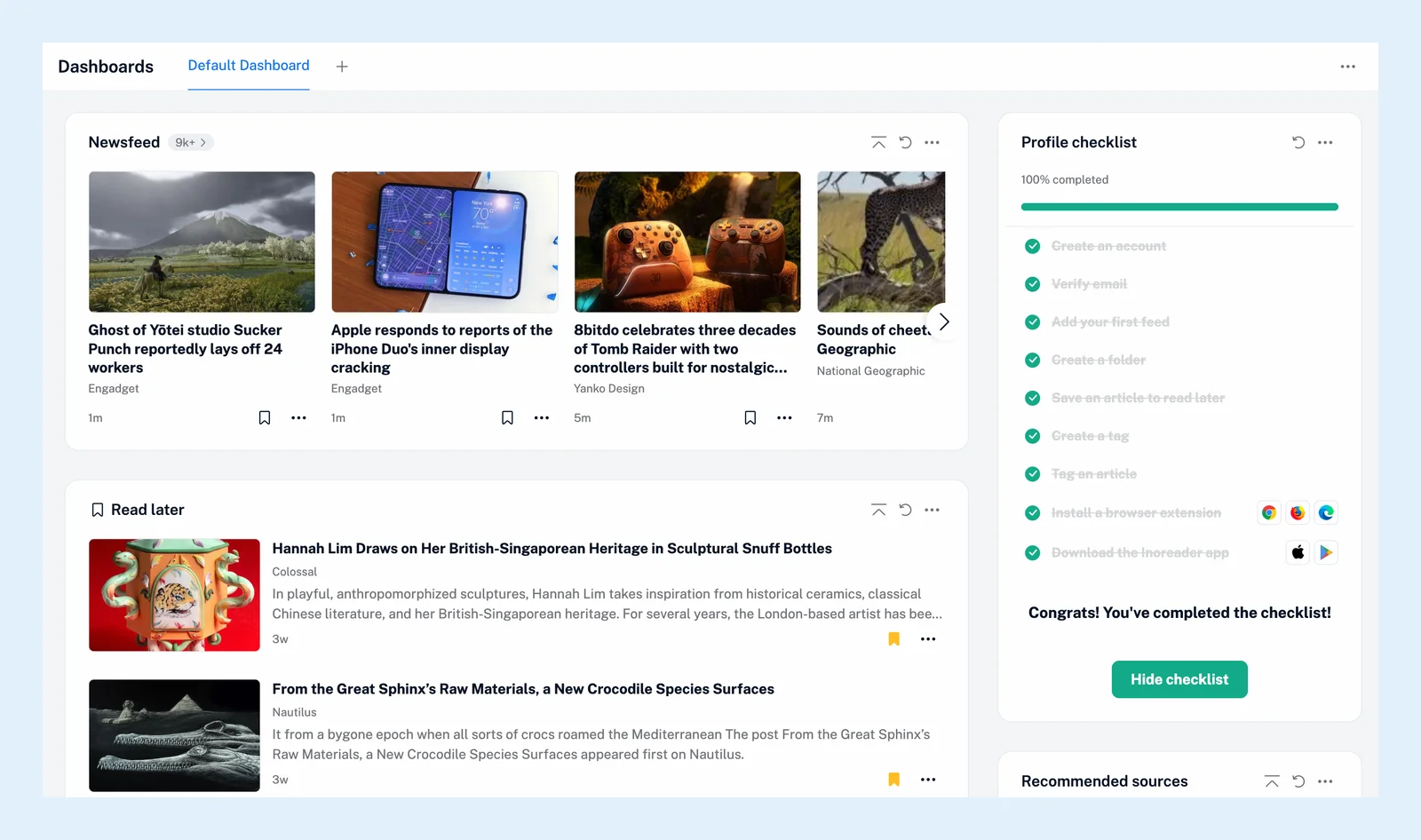
A dashboard is a page of widgets that shows what's new at a glance: the latest articles of a folder or a feed, what's trending, the articles you recently tagged or read, your reading statistics. Open it with Dashboards at the top of the tab bar, or press G then D.
Inoreader starts you off with a Default Dashboard, and you can build as many as you like.
Add widgets
Click Add widget at the bottom of a column to open Add widgets, grouped under Getting started, Content and Data & usage. Click one to preview it and set it up, then click Add to dashboard. An article widget takes a Source (Newsfeed, a folder, a tag or a feed), a View (Card, Magazine or List), the Number of articles to show, an Automatic refresh interval and an unread-only switch, and you can add it several times. Other widgets show trending articles, the articles you recently read, saved or tagged, the latest results of a monitoring feed or of your rules, failing and inactive feeds, recommended sources, your statistics and a big unread counter.
Arrange the page
Drag a widget by the handle at its top to another place or column. The menu in a widget's header offers Configure widget and Remove widget. The arrow next to it collapses the widget and the loop icon refreshes its content. Customizing dashboard layouts and widgets covers every option.
Create several dashboards
Your dashboards are tabs at the top. The plus button next to them offers Create new and Clone current. The Create dashboard dialog asks for a Dashboard name and a layout, Single column, Two columns or Three columns, set when the dashboard is created. The three-dot menu holds Set as start page, Rename current dashboard and Delete current dashboard. Creating multiple dashboards and the video go through it.
Choose Set as start page and the web app opens on your dashboards instead of the Newsfeed. Choose it again to go back. Setting a dashboard as your start page has the details.
Plans
Dashboards and their widgets work on every plan. On Team plans, team admins build shared Team dashboards, with widgets for Team folders, channels and tags, that every member sees.
Can't find an answer? Contact support