What is a feed?
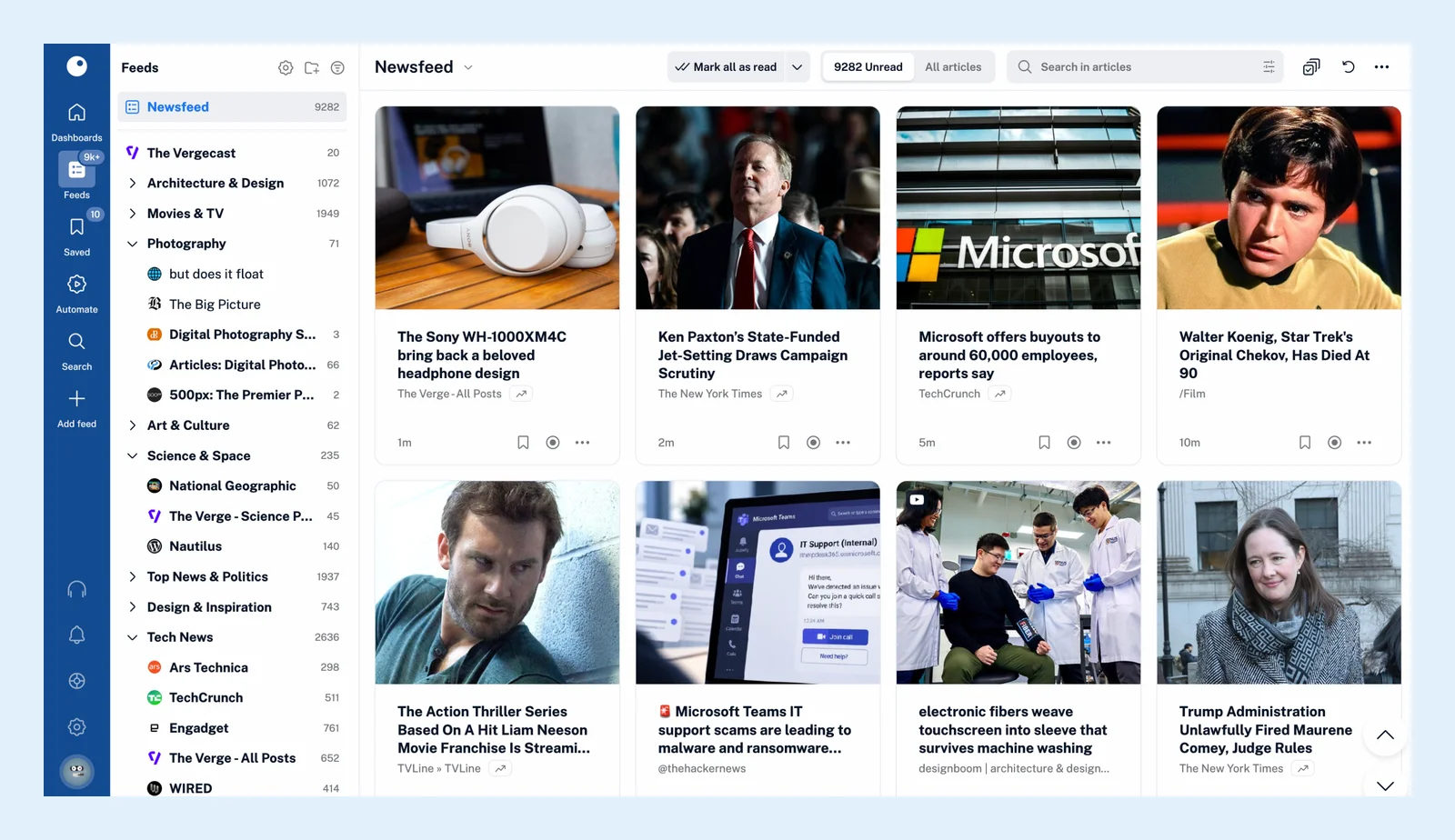
A feed is the stream of updates a website publishes for reader apps, and following it in Inoreader brings every new post to you. Most sites publish one in the RSS, Atom or JSON Feed format: a file that lists the site's latest articles and changes with each new one.
Inoreader checks that file for you, so a site's news arrives in one place with everything else you follow, and you don't have to visit the site to see what's new. Adding a feed takes a name or an address, and An RSS feed example with each element explained shows what such a file looks like.
Checks and new articles
Each feed is checked on its own schedule, from every 10 minutes for a boosted feed to a few times a day for one that rarely publishes, and some publishers push new articles to Inoreader the moment they go out. A feed you've just followed starts with up to 20 of its recent articles unread. From then on, every new article appears unread in the feed, in its folder and in your Newsfeed, and it stays unread for 30 days unless you read it or mark it as read.
Feed types
The feeds in your sidebar aren't only RSS feeds. A YouTube channel, a podcast, a Google News search, a newsletter, a Telegram channel or a web page without RSS can each be followed as a feed, and all of them behave the same way: you read them in the same views, group them in folders and let rules and filters work on their articles. You can rename a feed in your own account, put it in one folder or several, and see when it last posted and when it was last checked in Feed properties, which opens when you right-click the feed.
Feeds, folders and tags
Folders group the feeds you read together, such as every tech site in one place, and open as one combined list. Tags, unlike folders, are for the articles you want to keep: you tag an article to file it away, not to read a tag like a feed.
Plans and limits
Free accounts follow up to 150 RSS feeds and Pro up to 2,500. Websites, YouTube channels, Google News feeds and podcasts work on every plan, while newsletter feeds, web feeds, monitoring feeds and the social feeds are Pro. More is on Find feeds to follow.
Can't find an answer? Contact support