Which services can I save articles to?
You can save articles to Raindrop.io, Evernote, OneNote, Instapaper, Dropbox (as PDF files) and Google Drive (as Google Docs), and Readwise receives your highlights and notes. You connect them under Share, save, login > Save, which opens from the gear at the bottom of the tab bar.
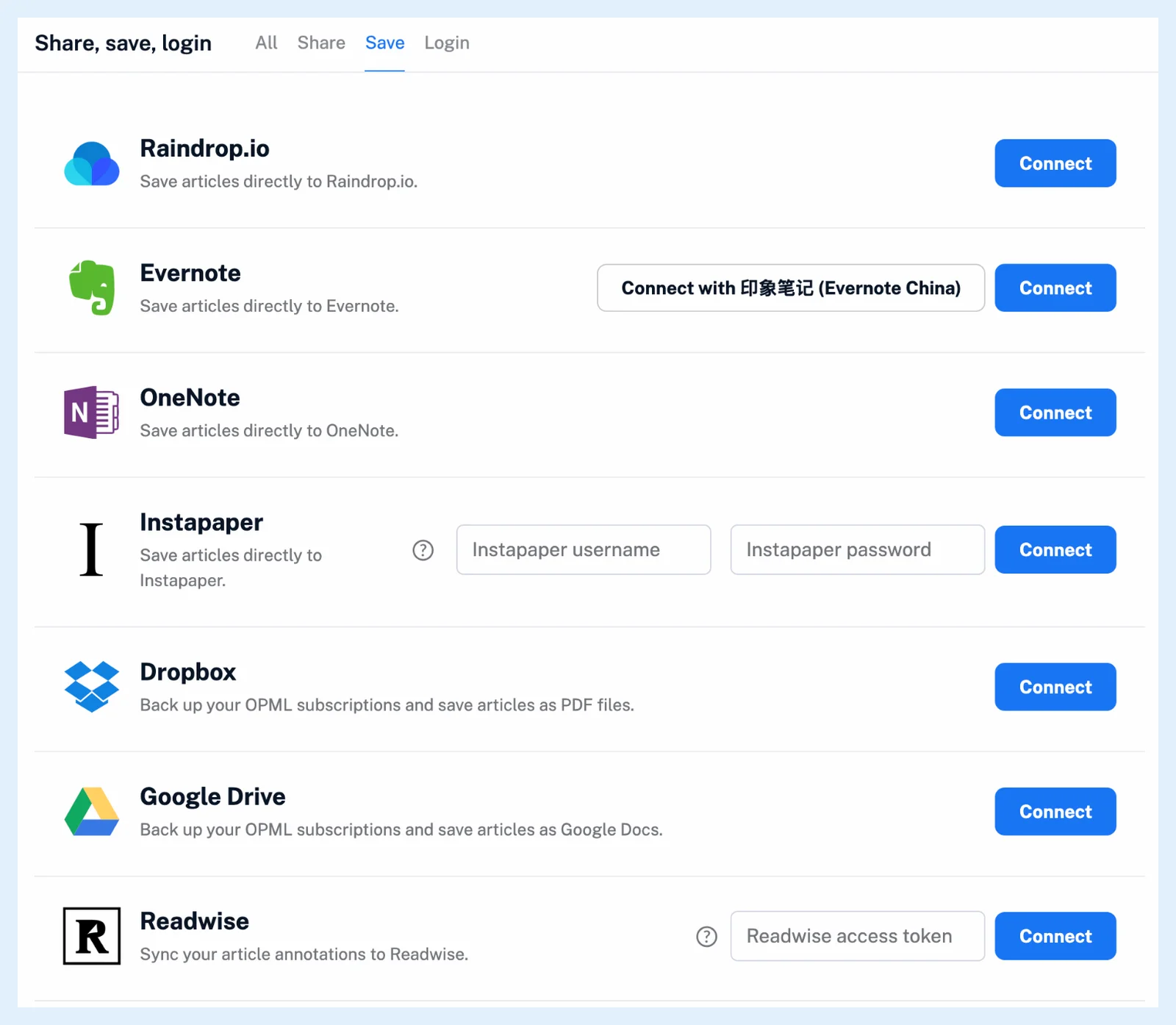
How do I connect a service? and Where can I manage my integrations? cover connecting, the options and disconnecting.
Compare the services
- Raindrop.io gets the link, the title and an excerpt, tagged "Inoreader", together with your highlights and their notes, and your Inoreader tags when Transfer article tags from Inoreader to Raindrop.io is on. Clicking the button again for an article already in Raindrop.io removes it there, as the Raindrop.io integration post explains.
- Evernote gets a note in the Default notebook you choose, with your tags when Transfer article tags from Inoreader to Evernote is on, and OneNote gets a page in the Default section you choose.
- Instapaper gets the article in its default folder or in a folder you pick under Choose folder.
- Dropbox gets the article as a PDF file named after its title in a folder called Articles, and Google Drive gets it as a Google Doc in Inoreader/Articles, with access limited to the files Inoreader creates.
- Readwise receives every highlight you make with its note, and your edits and deletions follow.
Save an article
Each connected service gets a button in the article toolbar, above the article's text, which turns active once the article is saved. Hovering shows the hotkey: Z for Evernote, X for OneNote and I for Instapaper. For Evernote, OneNote, Dropbox and Google Drive you can switch on Automatically fetch the full content for truncated articles before saving, a Pro option.
Save automatically with a rule
A rule can save every matching article with the actions Send to Google Drive, Send to Instapaper, Send to Evernote, Send to OneNote, Send to Dropbox and Send to Raindrop.io. Rule saves are capped at 150 a day for Instapaper, Evernote, OneNote and Raindrop.io and at 500 a day for Dropbox and Google Drive, while saves by hand have no daily cap. What actions can rules perform? lists the other actions, and Can I integrate Inoreader with other automation services? covers Zapier, IFTTT, n8n and webhooks.
Saving to connected services is free on every plan, while saving with a rule and fetching the full content before saving are Pro.
Can't find an answer? Contact support