How do I create a folder?
Click Feeds in the tab bar, then the Create folder icon next to the Feeds heading at the top of the sidebar. Name the folder, add at least one feed and save it.
Create a folder from the sidebar
- Click Feeds in the tab bar, then the Create folder icon at the top of the sidebar.
- Enter a Folder name. Names are up to 50 characters, and a folder can't have the same name as one of your tags.
- Under Add feeds, type part of a feed's name and pick it under Your feeds. A folder needs at least one feed. The list also shows matching feeds you don't follow yet, under Not yet followed.
- With Pro, set Keep unread to choose how many days articles stay unread, turn on Output feeds to get an RSS or JSON feed of the folder, and set Remove duplicate articles to filter out the same story arriving twice.
- Click Save folder.
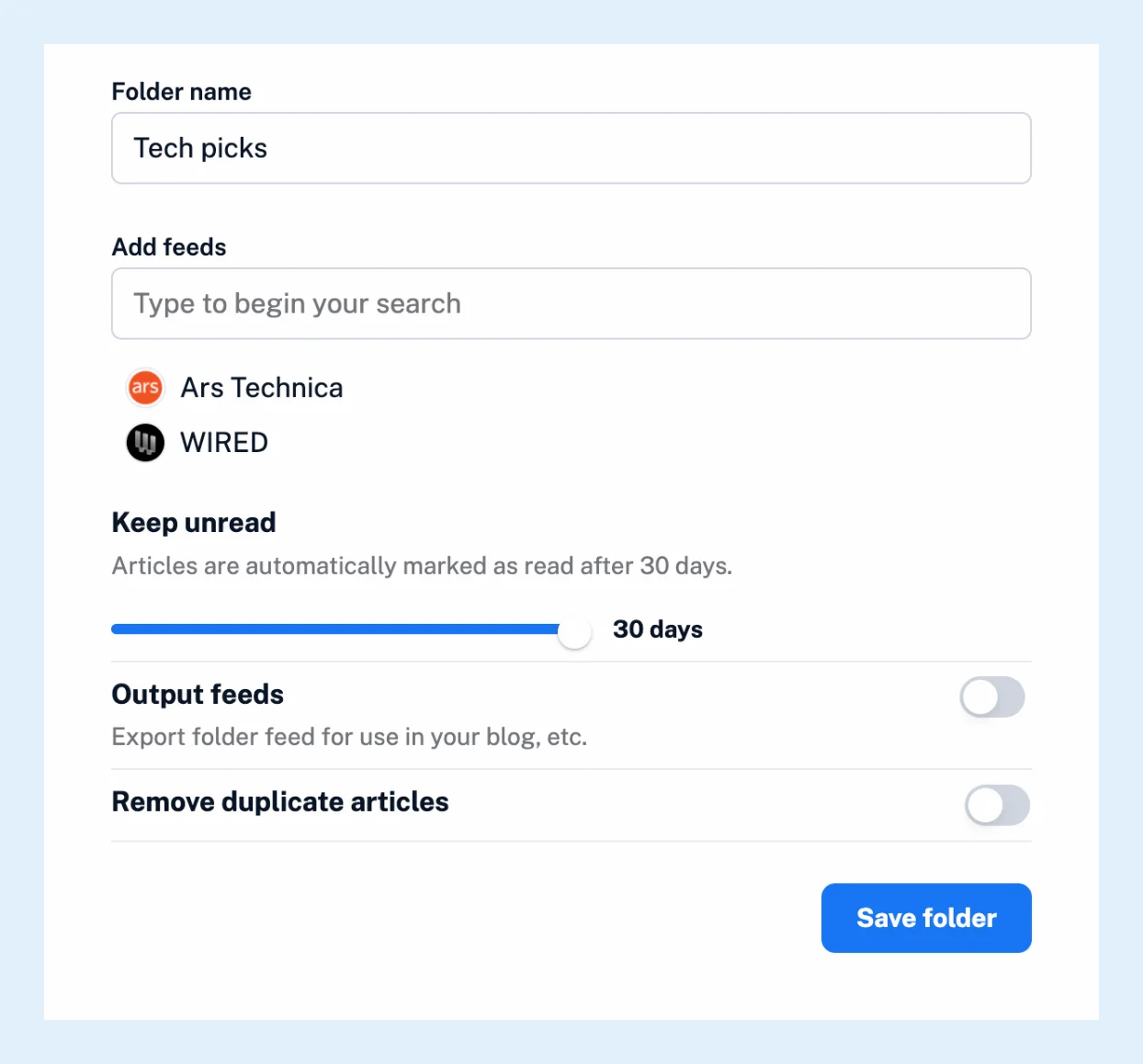
The new folder appears in the sidebar at once and works like any other folder. You can add more feeds later by dragging them onto it. See how to move feeds between folders.
Create a folder another way
Right-click a feed in the sidebar, choose Add to folder and then Assign to new folder, which creates the folder with that feed in it. A feed can be in several folders at once. To put many feeds into a new folder at once, open Manage content from the icon next to the Feeds heading, select the feeds in the Feeds tab, choose Add to new folder under with selected and click Go. An OPML import from another reader creates its folders for you. The video shows the steps.
Change a folder later
Right-click the folder and choose Rename folder, or Folder properties for its feeds and settings. Delete folder asks whether to unfollow its feeds as well: the Unfollow all feeds box is ticked by default, so untick it to keep the feeds at the top level of the sidebar.
Plans
Folders work on every plan, and there's no limit on how many you create. The unread duration, output feeds and duplicate filters are Pro features.
Can't find an answer? Contact support