What can Intelligence reports be used for?
Anything you'd ask of a stack of articles at once: a summary of the main points, a comparison of how sources cover a story, the trends across a week's coverage, or the facts, names and numbers pulled out into a list or table. You pick up to 50 articles and the prompt, and the AI answers from those articles alone.
Ask one question of many articles
A report runs one prompt over the selected articles. Ask for a summary with a focus on actionable insights or takeaways, for the sentiment of each source toward a company, for the recurring themes of the week, or for the dates, figures and people mentioned, laid out as a table. The AI is told to flag speculative, misleading or satirical content and not to present unverified claims as facts, and every report ends with the list of articles it used, linked to their sources, so you can check any claim.
Repeat a prompt on a schedule
An automated report runs your prompt daily or weekly on the newest articles of one source: a feed, a folder, a tag, a monitoring feed, a monitored keyword or a Team channel. A weekly prompt on a monitoring feed gives you a weekly overview of a monitored topic, and a daily report over your monitoring feeds, set to run every morning, works as a briefing for your team. The blog post on automated reports shows more examples.
Work with the result
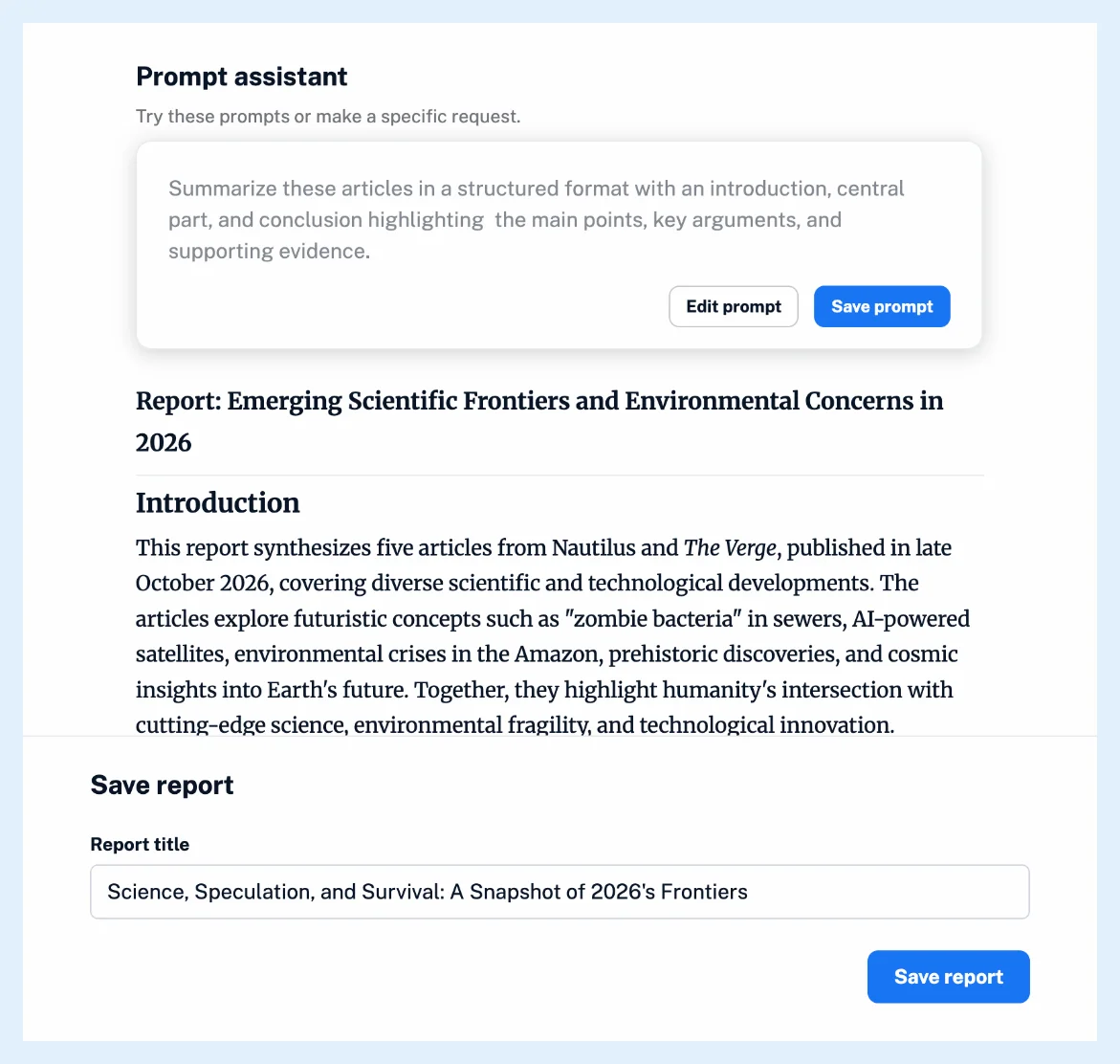
A saved report is an article, ready to annotate, tag, export, share with a Team channel or publish with a public link. A prompt you'll use again can be saved with Save prompt after a report, or under Preferences > Intelligence > Intelligence reports with Add custom prompt, and it then appears in the Prompt assistant. A rule with the trigger New Intelligence report can act on each new report, for example with Send to email. How do I create an Intelligence report? shows the steps and What are Intelligence reports? what a report contains.
Plans and limits
Intelligence reports come with the Intelligence reports add-on on Pro and Custom plans, or with a Team Intelligence plan.
Can't find an answer? Contact support