Why has an email digest not arrived?
Most often the digest had nothing to send, it's switched off or not scheduled, or the recipient hasn't accepted the invitation or has unsubscribed. Check the digest's card, its Issues tab and its Recipients tab, and ask the recipient to look in their spam folder for mail from [email protected].
Check the digest's card
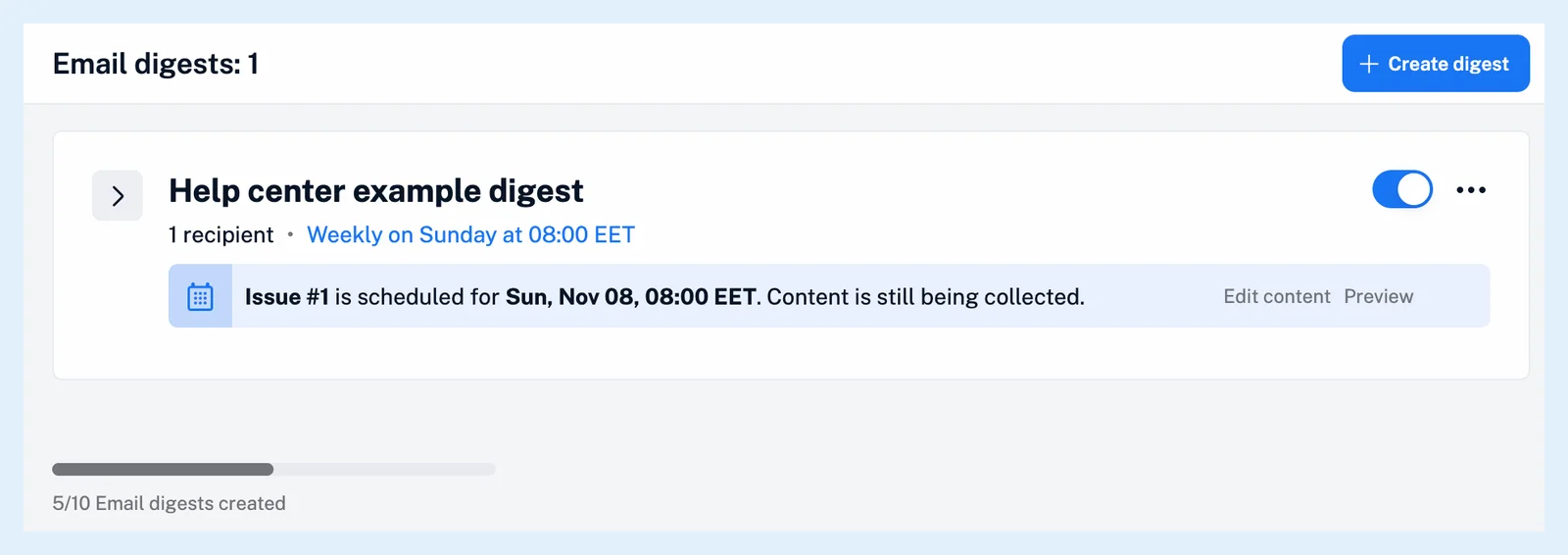
- Go to Automate > Email digests, or click Email digests in the Team sidebar for a team digest, and find the digest.
- Check that the switch is on. A switched-off digest shows "Disabled" and sends no issues, including scheduled ones.
- Check that a schedule is shown. A card with Schedule digest has no schedule yet.
- Read the issue panel. "Issue #4 will begin collecting articles as new content appears in your selected sources." means the sources had no new articles since the previous issue, so nothing is sent that time.
Feed and folder sources are read from the creator's own subscriptions, so a feed the creator unfollowed gives no articles. An issue kept on hold, or left open in the editor, waits until it is scheduled or sent, as Can I edit scheduled digest issues? describes.
A digest at the limit of its plan can't be turned back on: the switch is locked.
Check the Issues tab
Click the digest's name to expand it and open Issues. The last 30 issues are listed, and one that failed reads "Not sent" with the reason. "This issue has too many articles for one email." asks you to remove some sources or send the digest more often. "This issue could not be prepared for sending." is retried once. "Some recipients did not receive this issue." means some addresses were refused: Inoreader stops mailing an address after a permanent bounce, and an address gets at most 1,000 emails a day.
Check the recipients
Open the Recipients tab. An address receives issues only after the person has accepted the invitation, as How do I start receiving a digest? describes, and a pending address shows Resend invite. An address that left the digest shows "Unsubscribed on" with the date and can come back only from its own unsubscribe page, as Can I unsubscribe from a digest? explains.
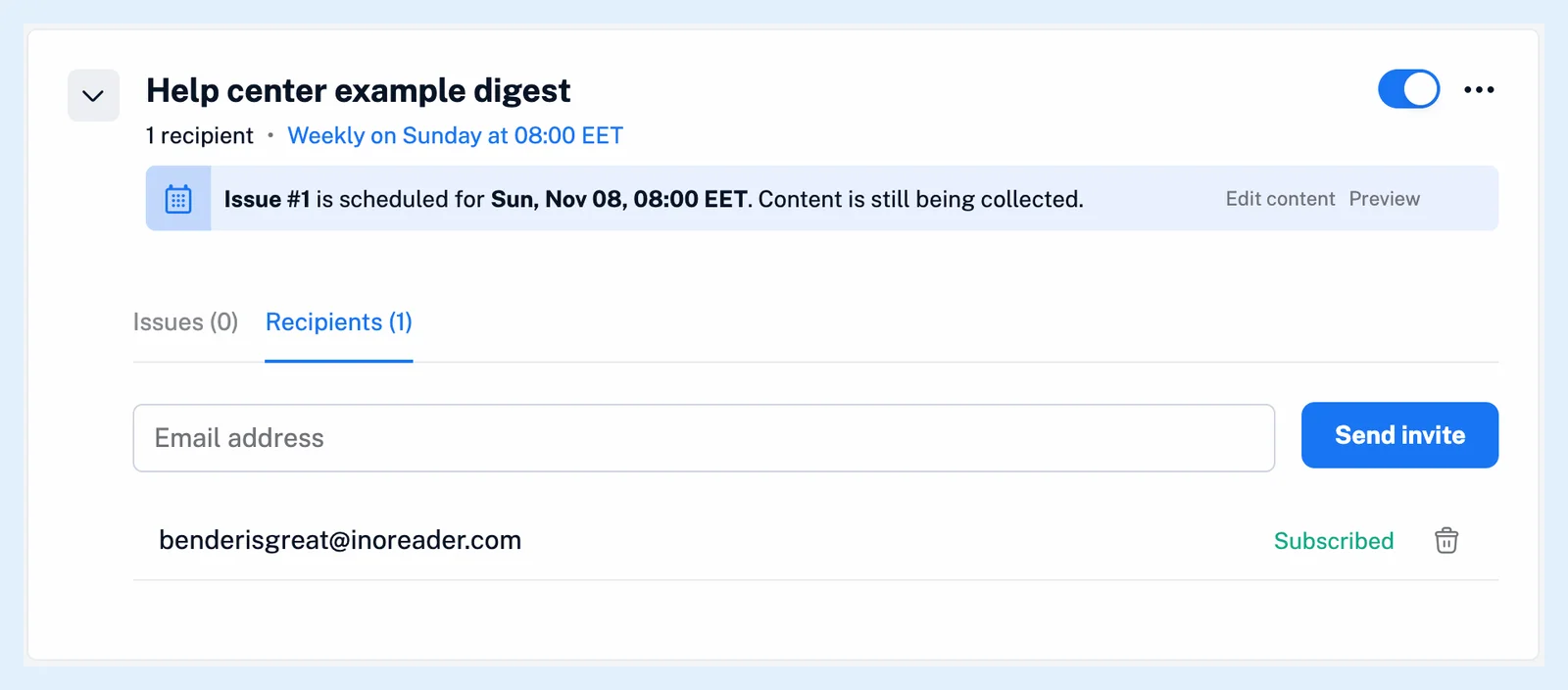
With no subscribed recipient the issue is skipped, and the creator gets the email "Action required: Add recipients to your scheduled digest" before it.
Plans
Email digests are included in every Team plan and come to Pro and Custom plans with the Email digests add-on. After a downgrade, digests stop being sent, as What happens if I cancel my subscription? explains.
Can't find an answer? Contact support